
Print sets up on‑site printing.
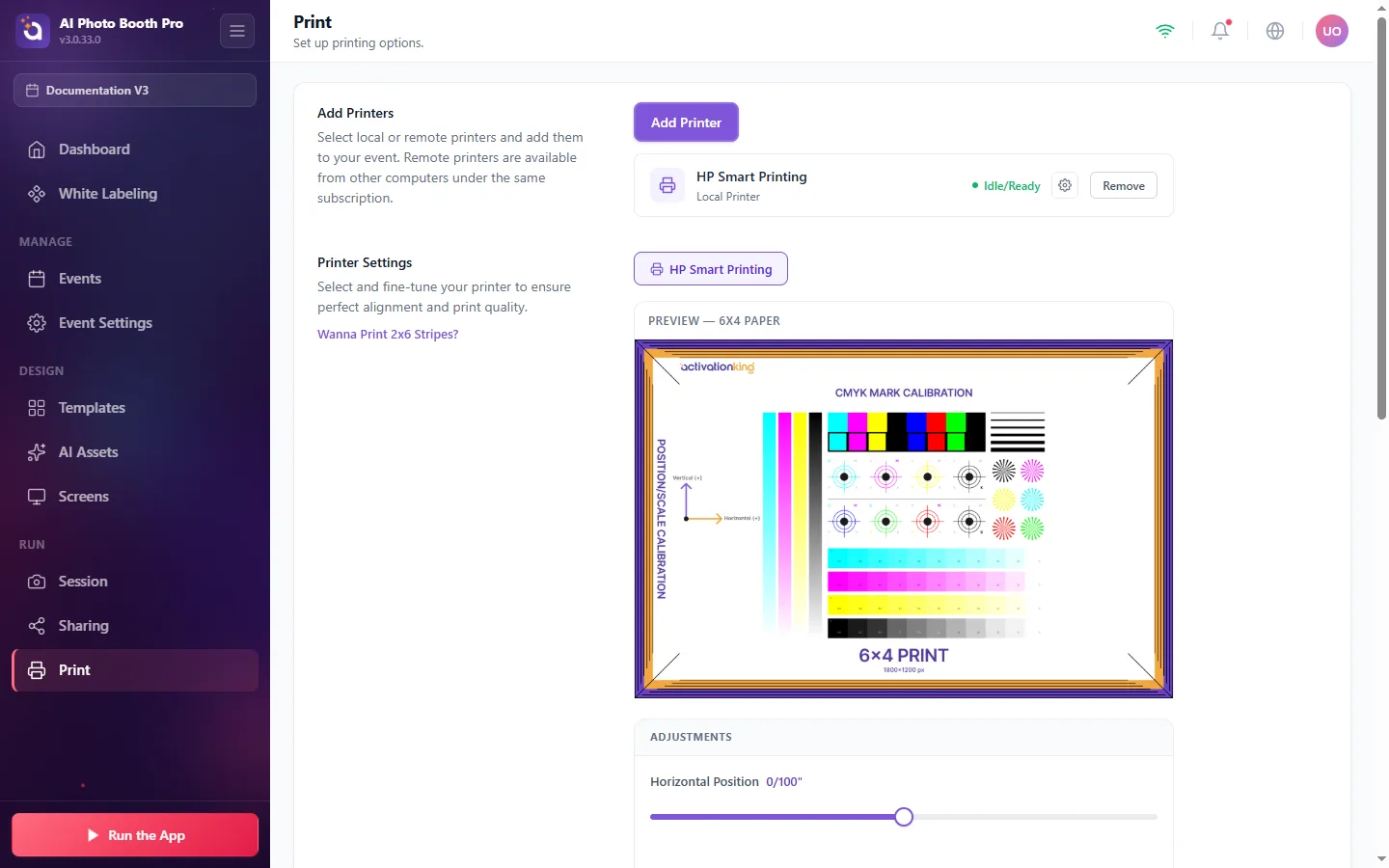
- Add Printers, select local or remote printers (remote printers on other computers under the same subscription are supported). Status shows Idle/Ready when a printer is connected.
- Printer Settings, pick a printer and fine‑tune alignment with the live Preview (6×4 paper) and Adjustments (horizontal/vertical position and scale). Use Test Print to verify, and switch paper size (6×4 / 4×6).
- Printing Behavior, Enable Print Button (manual printing on the result screen) and Enable Auto Print (print automatically when a session ends).
- Print Limits, cap prints per event, per session, and per window to manage paper and ink.