
Templates control the look of your final output, the frame, layout, and branding applied to each capture. There are two tabs: Photo and Video & GIF.
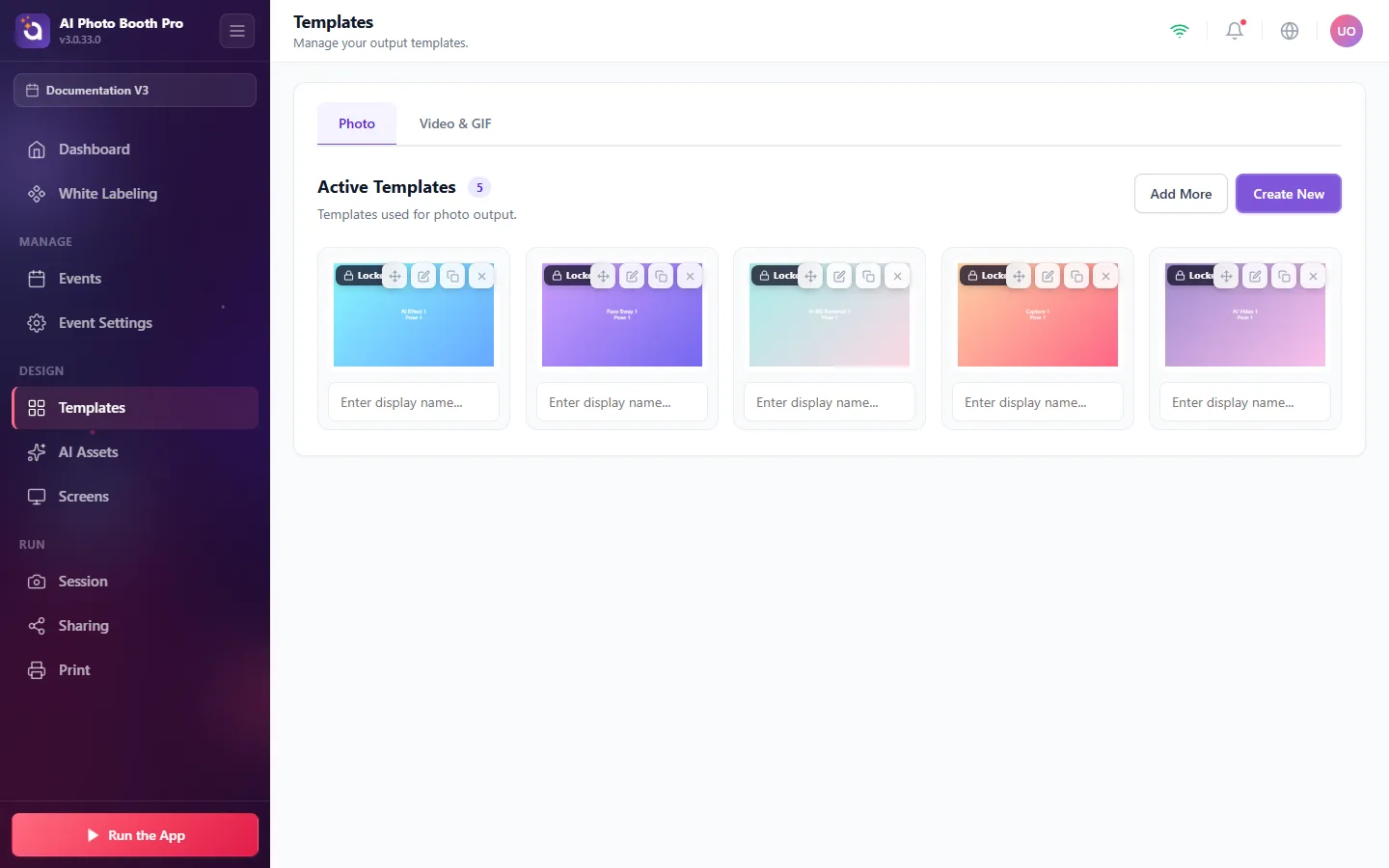
- Your Active Templates are the layouts guests can choose from (e.g. AI Effect, Face Swap, AI Bg Removal, Capture, AI Video).
- Add More to pull templates from the library, or Create New to design your own.
- Give each template a display name so guests recognize it.