
AI Assets is where you choose which AI experiences your guests can use. It has three tabs: AI Effects, AI Face Swap, and AI Video.
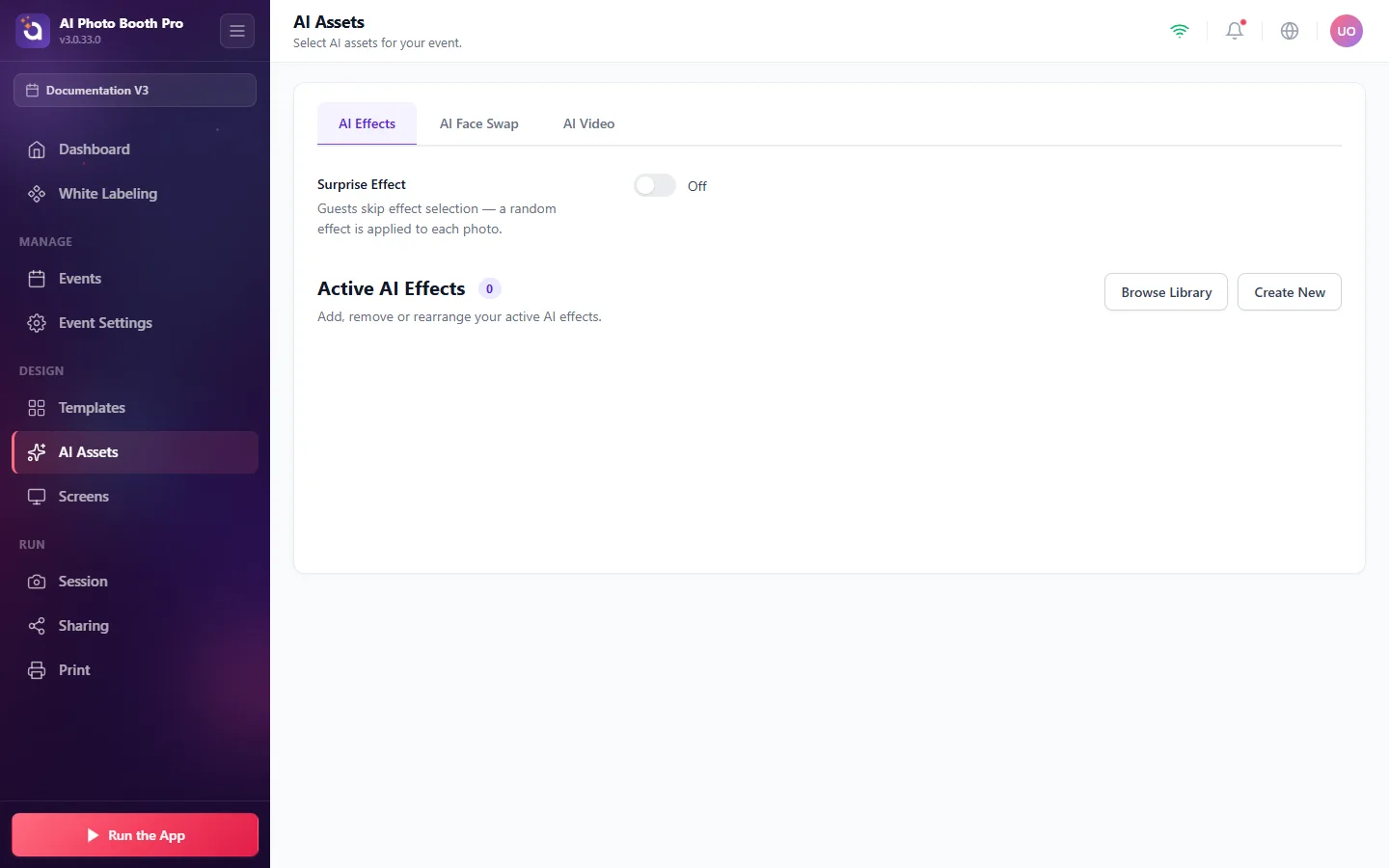
- AI Effects, stylized transformations applied to the guest's photo. Use Browse Library to add ready‑made styles or Create New to write your own.
- AI Face Swap, place the guest's face into themed scenes.
- AI Video, animate the guest's photo into a short AI video.
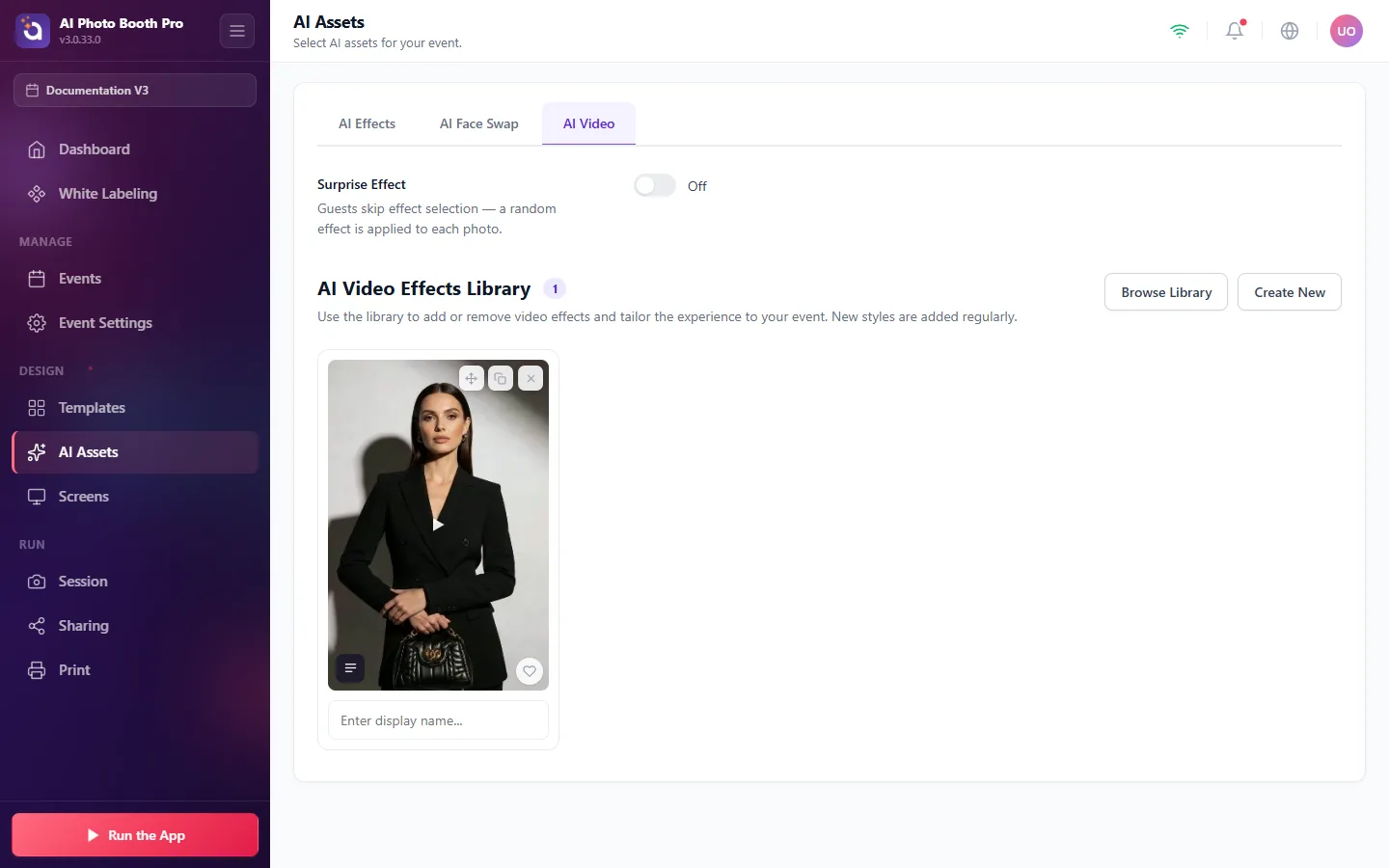
- Surprise Effect, when on, guests skip choosing and a random effect is applied to each photo.
- Drag to reorder, duplicate, favorite, or remove any effect, and rename it for guests.
Important: add at least one effect to your Active list for each AI experience you offer. If the active list is empty, guests will see an empty selection screen.