
Sharing controls how guests receive their photos. Tabs: Activation Share, E‑Mail Sharing, and SMS Sharing.
Activation Share (QR code)
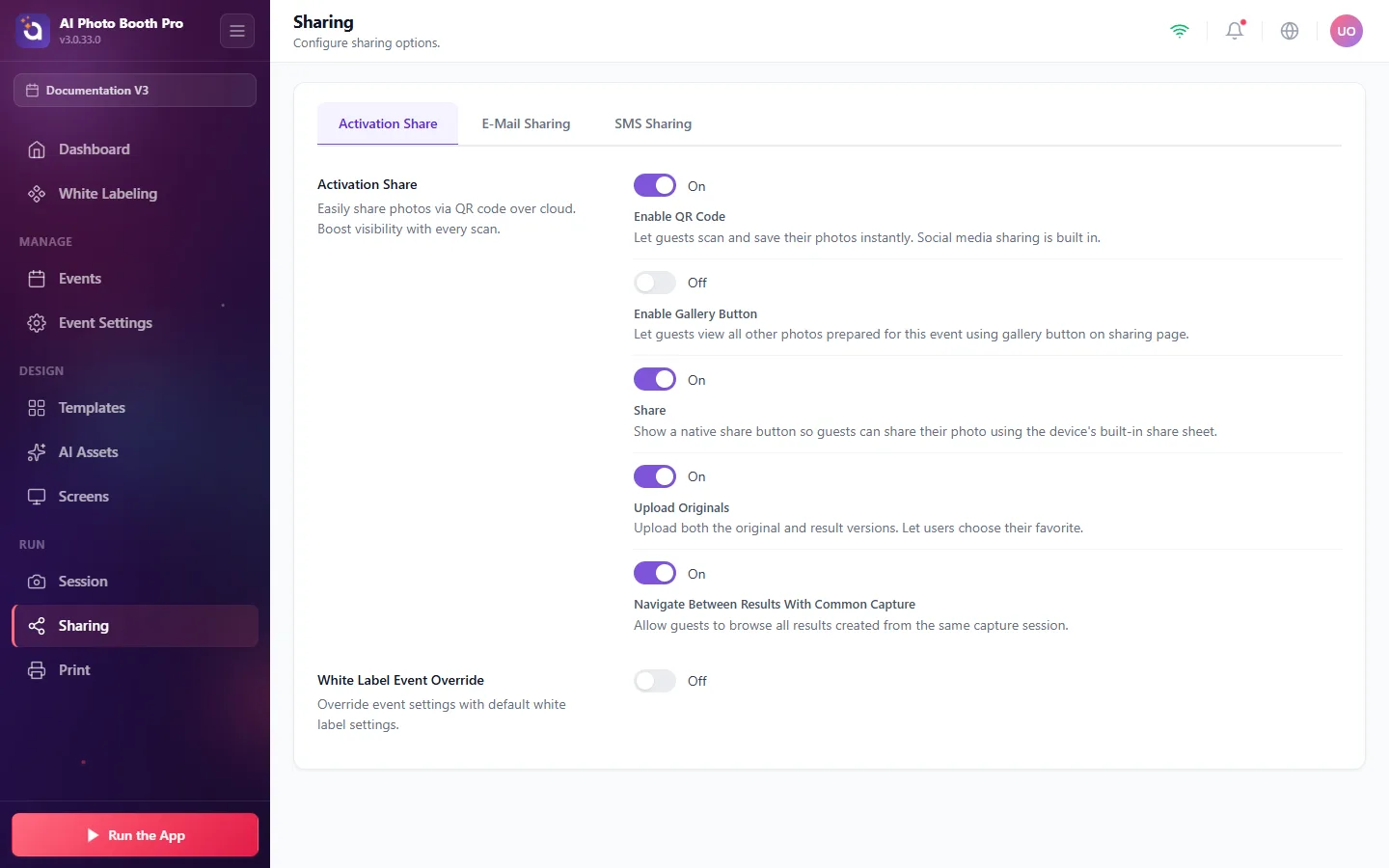
- Enable QR Code, guests scan to instantly save their photo; social sharing is built in.
- Enable Gallery Button, let guests browse all photos from the event.
- Share, Upload Originals, and Navigate Between Results give guests more ways to find and share their shots.
SMS Sharing (Twilio), off by default
Turn SMS on so guests receive their photos by text message.
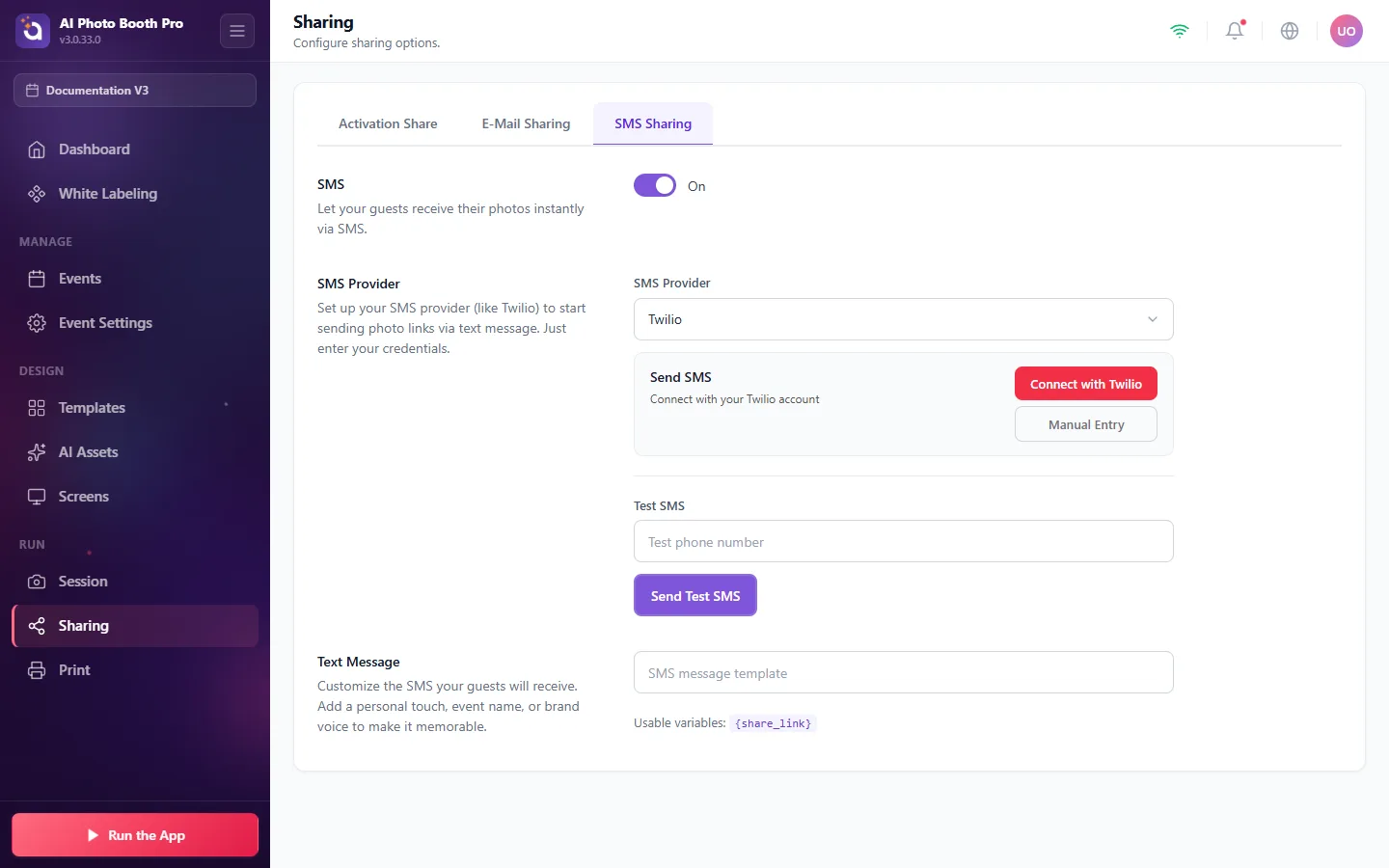
- Toggle SMS On.
- Under SMS Provider, choose Twilio and click Connect with Twilio (or Manual Entry to paste your credentials).
- Use Test SMS, enter a phone number and tap Send Test SMS to confirm it works.
- Customize the Text Message guests receive; insert the
{share_link}variable where the photo link should appear.
E‑Mail Sharing
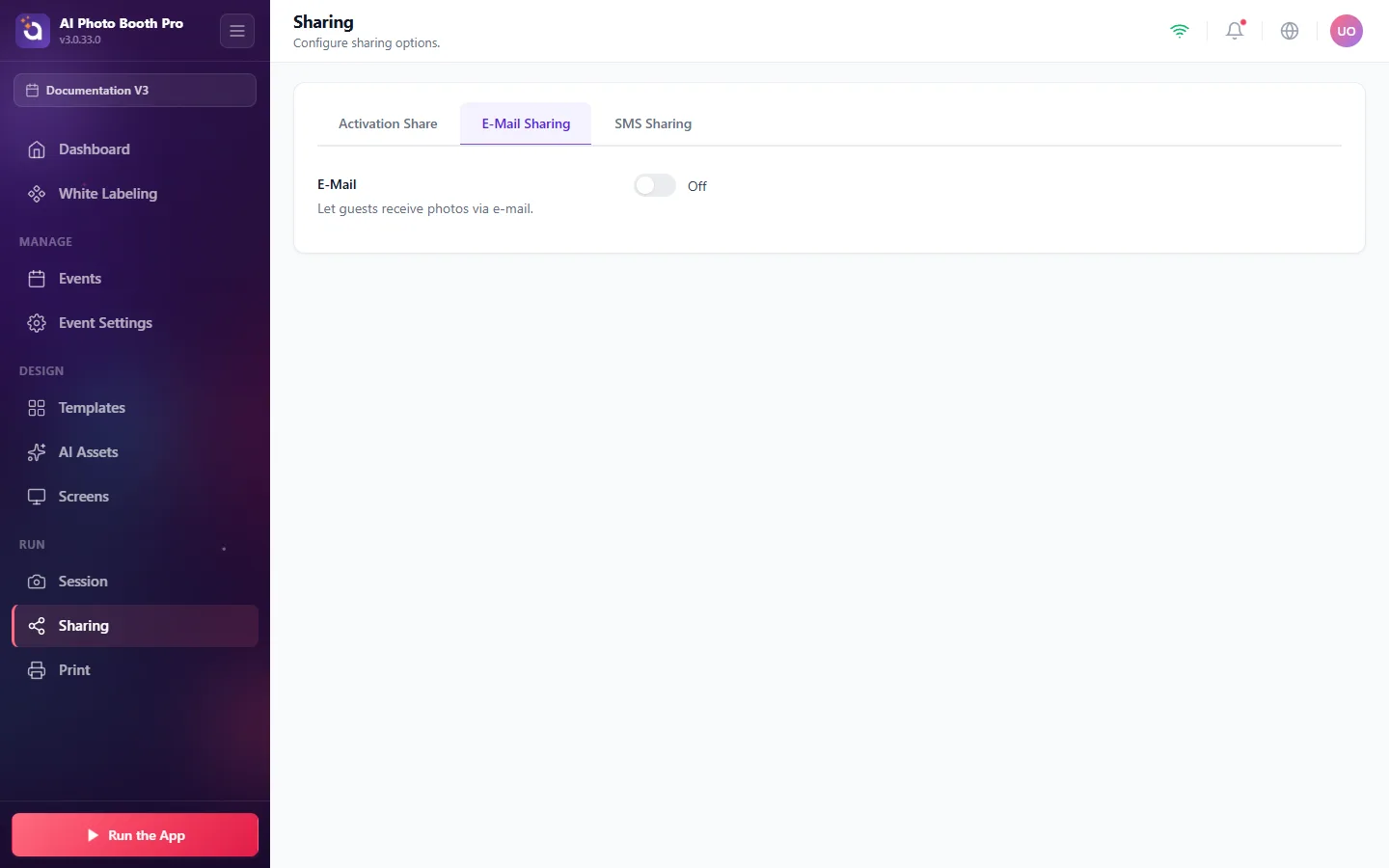
Toggle E‑Mail on to let guests receive their photos by e‑mail.